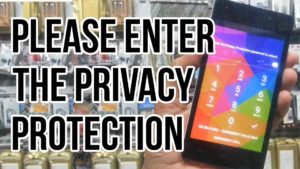
Micromax Please enter the privacy protection password to unlock. This is a security in the Android mobile in media Tech CPU called MTK CPU.
Micromax Please enter the privacy protection password to unlock
This is a good feature in Micromax and other media dead body mobile phone this will not allow you to enter after a factory reset of the mobile phone.
I’m not cannot you get a mobile phone without you without permission or user identification.
Table of Contents
How to unlock “Please enter the privacy protection password”
- You need to download SP Flash tool and mobile firmware.
- Flash file according to your mobile phone and flash your device.
- It will remove all kind of information like privacy protection password.
- Just flash your device using latest official from firmware SP flash tool.
- It will unlock your android device from privacy protection.
Benefits:
An unknown user cannot operate this mobile phone he or she does not enter correct information of that user which is the owner of this mobile.