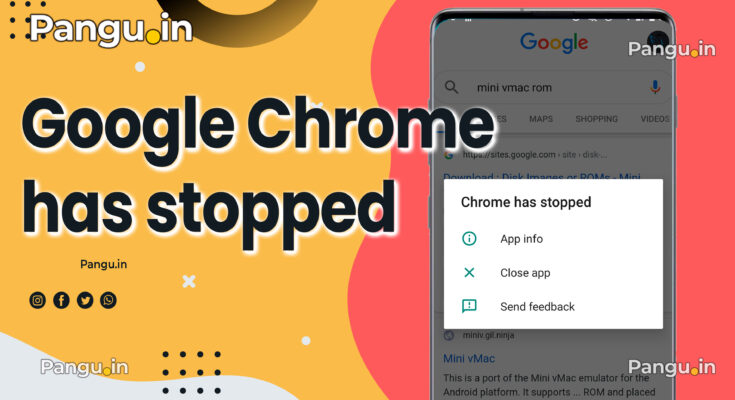
we see Unfortunately, Chrome has stopped” when opening links. we cannot run Google Chrome on your android mobile phone. facing this error many time.
Unfortunately, Chrome has stopped” when opening links
This error in the Android mobile phone because of you are using the wrong website into your mobile phone.
You can fix this by cleaning data into your mobile phone for doing this process.
You need to wipe data from apps manager into settings.
- You have to go mobile phone settings.
- Select application manager.
- then finds Google Chrome into application list.
- there will be the option of clean cache and clean data.
- click both cache and clean data.
- Now open Google chrome. It will work fine.
- Incase this will not work then update your google chrome from Play Store.
If you are unable to run this application by cleaning the data and get a memory then you need to uninstall the chrome and download the latest version of google chrome application from PlayStore.