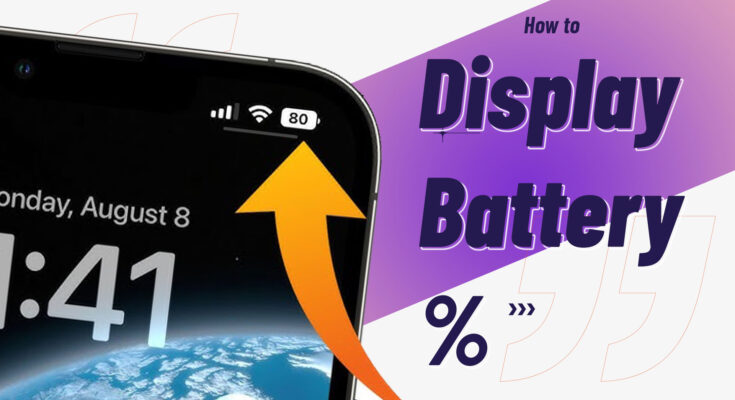
How to display battery percentage and network speed in android mobile. this is very impotent feature in android mobile. to enable this feature follow the steps given below.
How to display battery percentage and network speed
If you’re using a Xiaomi phone and want to see your current internet speed (like upload/download) directly on the status bar, MIUI makes it simple. Just follow these steps:

- Go to Settings in android device.
- Scroll through the settings and tap on Notification & status bar.
- Now you need to Tap on Battery indicator.
- You will be seeing three option – Graphical, Percentage and Top bar.
- Choose Percentage which will show the battery percentage left beside the battery icon.
Once enabled, your phone will display the real-time internet speed in the status bar, usually at the top-left of your screen. This shows both Wi-Fi and mobile data speeds whenever data is being used.
Table of Contents
How to show Network speeds in Xiaomi smartphone (MIUI):
Network speeds can be seen always on the status bar which can be quite useful in many instance, here is a step by step tutorial on how to turn the option on.
- Open the Settings app on your Xiaomi phone.
- Scroll down and tap on Notifications & Control center.
- Select Status bar from the available options.
- Look for Show connection speed.
- Turn it ON by toggling the switch.
This process may differ from your android device. because you may have some other android version. the process may change some options.