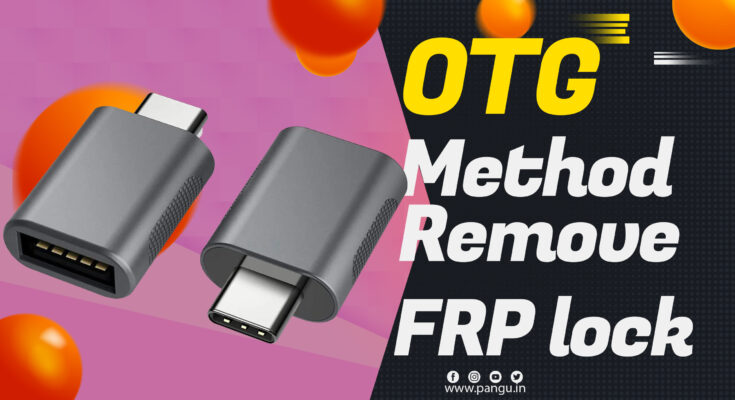
You need FRP OTG connector for this. OTG method bypass google account verifies. It is an easy way to remove FRP. This way unlock your android device without a computer. Use OTG PenDrive sometime USB connector does not work in that condition OTG Pen-drive works better.
OTG METHOD BYPASS GOOGLE ACCOUNT (EASY).
That factory production lock on android phone come from jellybeans android version. When this security is enable nobody can unlock your device until he knows the correct Gmail account and password of your mobile phone. Because the device can unlocked by your Gmail account and password only. Do not use this process until the device is yours.
I am suggesting you download all the required files into your OTG pen drive and keep it secure.
whenever you have to unlock the mobile just insert USB into a locked android phone. It will make your work faster.
REQUIREMENTS
- OTG Pendrive.
- Development Settings Bypass app.
Instructions OTG bypass
This process only work in lollipop and older version. Do not try it on android version like nougat and marshmallow. if you want to unlock the latest versions this will not work.
- First, we need an OTG connector to keep the Development Settings and Bypass file.
- You need to download apk and put it into your pen drive.
- Now connect that OTG Pendrive into a locked android mobile phone.
- it will pop-up Find manager in the Android mobile phone.
- No install downloaded the application via your OTG PenDrive.
- After Installation development bypass setting open installed application.
- it will open just like your android mobile phone settings.
- Go to factory-reset and factory Rest it will remove all your content from your mobile phone.
We have top 10 methods to unlock your FRP Google verify the account.